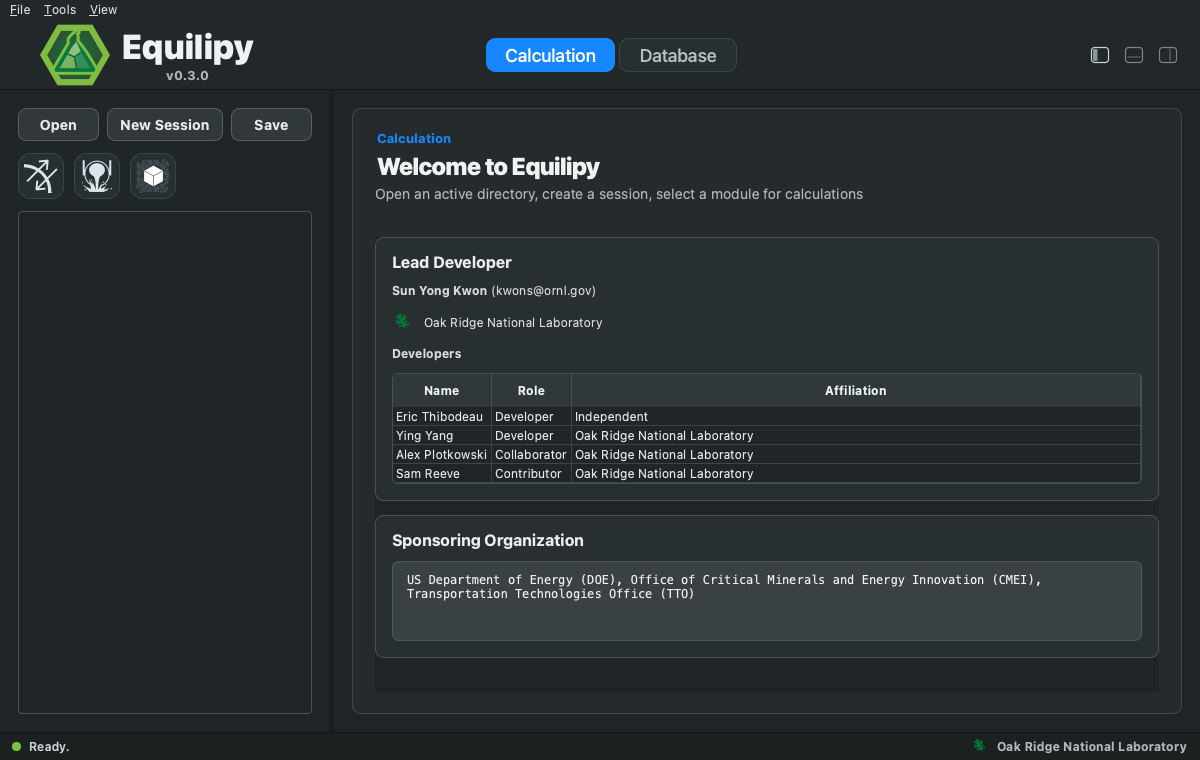
GUI
The desktop application bundles calculations and database tools in one window. Install:
pip install 'equilipy[gui]'
Then launch:
equilipy.gui
equilipy-gui (legacy alias) and python -m equilipy.gui launch the same
application.
Standalone installers
Every release also ships self-contained GUI installers (no Python required), built by CI and attached to the latest GitHub release:
macOS Apple Silicon, macOS 15: Equilipy-macos-15-arm64.dmg
macOS Apple Silicon, macOS 14: Equilipy-macos-14-arm64.dmg
Windows 64-bit: Equilipy-windows-amd64.exe
Linux 64-bit: Equilipy-linux-x86_64
Linux ARM 64-bit: Equilipy-linux-arm64
Note
The macOS installers are not yet notarized by Apple, so the first launch shows a warning that Equilipy could not be verified. Click Done (not Move to Trash), then use one of the following options:
System Settings → Privacy & Security → scroll down to “Equilipy” was blocked → Open Anyway
Remove the quarantine flag in a terminal:
xattr -d com.apple.quarantine /Applications/Equilipy.appInstall through pip instead, which avoids this entirely:
pip install "equilipy[gui]"
The header switches between the two workspaces:
Calculation — run equilibrium and solidification calculations organized in sessions and modules.
Database — inspect, edit, validate, and export thermochemical databases.